Managing a modern business network can be complicated. Businesses may have workstations, servers, switches, firewalls, wireless access points, printers, Microsoft 365, applications, websites, and countless other systems that all need to work together.
The challenge isn’t simply having these systems in place. The challenge is knowing what is happening across the entire environment and identifying problems before they become business disruptions.
That’s where AeroGauge can make a difference.
AeroGauge is a self-hosted, AI-native RMM platform designed to give IT teams a centralized view of their technology environment. Instead of relying on multiple disconnected tools for monitoring, remote access, patching, network management, automation, ticketing, and reporting, AeroGauge brings these capabilities together in one platform.
See More of Your IT Environment
One of the biggest challenges in managing IT today is visibility. A business may have dozens or hundreds of devices, along with network equipment, cloud services, printers, applications, and other technology that needs to remain operational.
AeroGauge provides IT teams with a centralized view of the environment, allowing technicians to monitor endpoints, servers, switches, firewalls, access points, printers, Microsoft 365, and other systems from one platform.
Instead of checking multiple systems to determine whether everything is healthy, IT teams can use AeroGauge to see the overall environment from a single interface.
Find Problems Before They Become Outages
Good IT management isn’t just about fixing problems after something breaks. It is about identifying warning signs before they become major disruptions.
AeroGauge provides real-time monitoring for important system information such as CPU usage, memory, disk space, disk activity, hardware health, software inventory, services, certificates, and device availability.
It can also monitor websites, URLs, TLS certificates, and devices that do not have an agent installed. This gives IT teams greater visibility into the systems that support the business.
When an issue is detected, AeroGauge can generate alerts so technicians can investigate the problem before it turns into a larger outage.
Monitor the Network — Not Just the Computers
A business network is much more than its computers.
Switches, firewalls, wireless access points, printers, and other network equipment all play an important role in keeping employees connected and productive.
AeroGauge extends monitoring beyond traditional endpoints by providing agentless network monitoring using SNMP. IT teams can view network devices, ports, VLANs, and traffic information while maintaining visibility across the broader network environment.
This can make troubleshooting much easier because technicians can look at the computers and the network infrastructure supporting them from the same platform.
Learn more about AeroGauge network monitoring.
Remote Support Without a VPN
Remote support is an important part of modern IT management. Technicians need to be able to access systems quickly without requiring complicated remote-access software or VPN connections.
AeroGauge includes browser-based remote control, remote console access, PowerShell, in-browser RDP, and SSH access for network equipment.
Remote access is tunneled securely through the AeroGauge agent, eliminating the need for inbound firewall rules or a separate remote-access subscription.
This allows technicians to troubleshoot systems from virtually anywhere while keeping the process simple for both the IT team and the customer.
Keep Systems Patched and Maintained
Keeping computers and servers up to date is one of the most important parts of maintaining a secure and reliable IT environment.
AeroGauge provides patch-compliance monitoring and allows IT teams to establish maintenance windows for customers and devices.
Technicians can also run PowerShell commands, deploy reusable scripts, schedule maintenance tasks, reboot systems, and perform actions across multiple devices.
This helps move IT management away from manually maintaining individual computers and toward a more consistent and automated approach.
Automate the Work That Doesn’t Need a Technician
Many IT tasks are repetitive.
Restarting a service, running a maintenance script, checking a system condition, applying a configuration, or performing routine maintenance shouldn’t always require a technician to manually log into a computer.
AeroGauge provides scheduled automation, reusable scripts, recurring tasks, bulk actions, and self-healing capabilities that can help reduce the amount of repetitive work performed manually.
The result is an IT environment that can take care of routine tasks automatically while technicians focus on problems that actually require their attention.
Manage More Than Just Windows Devices
Modern IT environments contain equipment from many different manufacturers and vendors.
AeroGauge is designed to be vendor-neutral and can work alongside the security, backup, and other tools an organization already uses.
In addition to Windows endpoints and servers, AeroGauge can help manage switches, firewalls, access points, printers, Microsoft 365, Active Directory, DNS, DHCP, and Group Policy.
This broader visibility helps IT teams understand how the different pieces of an environment work together rather than managing each system independently.
AI That Helps IT Teams Work Smarter
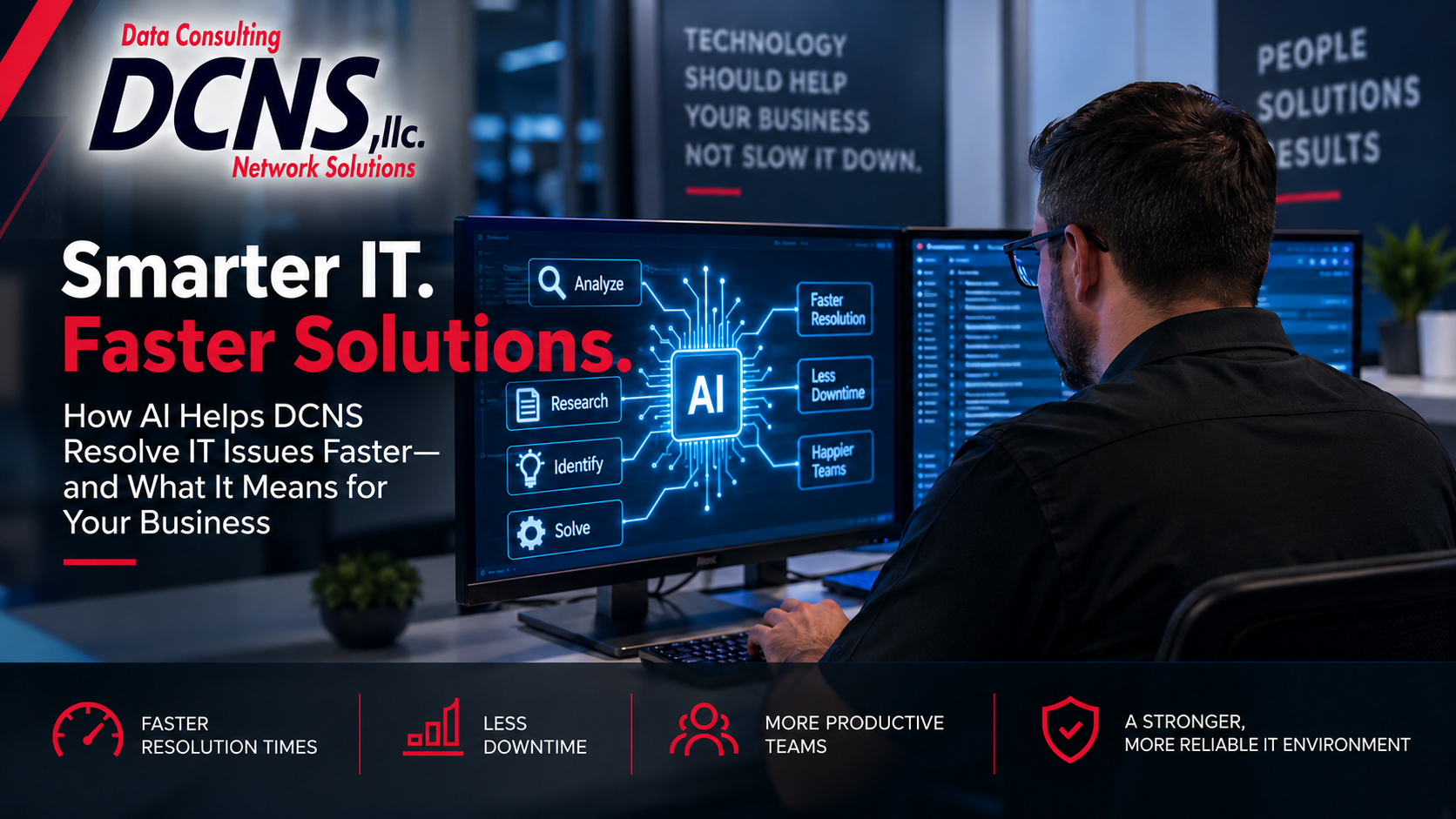
One of the most interesting aspects of AeroGauge is its built-in AI capabilities.
The AI assistant can help explain alerts in plain English, analyze information about the system being viewed, propose potential fixes, and take action with technician approval.
This can help technicians spend less time trying to understand what an alert means and more time determining the appropriate solution.
AeroGauge can also use AI to generate assessment, compliance, and QBR reports, helping IT teams turn technical information into information that is easier for business owners and decision-makers to understand.
Importantly, AI is optional. Organizations can choose whether to connect an AI provider, and AeroGauge can operate without the AI functionality as well.
Visit the AeroGauge website to learn more about its AI capabilities and how the platform is designed to work with your existing IT environment.
Better Information Leads to Better IT Decisions
One of the most valuable benefits of centralized monitoring is information.
When IT teams can see device health, network conditions, alerts, software, hardware, patch status, services, and other important information in one place, they can make better decisions.
Instead of reacting to a user reporting that something is broken, technicians can often identify warning signs before the user ever notices a problem.
That changes the role of IT from simply responding to problems to actively managing the health of the technology environment.
Your IT Environment. Your Data.
AeroGauge is designed as a self-hosted platform. Rather than requiring organizations to send their IT monitoring data to a third-party cloud platform, AeroGauge runs on the customer’s own infrastructure.
This approach gives organizations greater control over their data and infrastructure.
The platform operates over HTTPS and includes features such as role-based access control, audit logging, SSO support, and an encrypted credential vault.
For businesses and IT providers that want more control over where their monitoring information resides, self-hosting can be an important consideration.
One Platform Instead of a Collection of Tools
Many IT environments rely on several different products to accomplish the tasks required to manage a network.
There may be one system for RMM, another for remote access, another for patching and scripting, another for network monitoring, and additional tools for ticketing and reporting.
AeroGauge is designed to bring many of these functions together into a single platform.
This can reduce the number of systems technicians have to learn, manage, and switch between during the day.
Explore the complete AeroGauge platform to see how monitoring, remote access, automation, network management, reporting, and AI are brought together.
What This Means for Your Business
Technology should make your business more productive — not create additional obstacles.
A well-managed IT environment should provide visibility, reliability, security, and the ability to identify problems before they become major disruptions.
AeroGauge gives IT teams the tools to take a more proactive approach to managing that environment.
By combining monitoring, remote support, patch management, automation, network management, reporting, and optional AI capabilities into one self-hosted platform, AeroGauge can help IT teams spend less time managing disconnected tools and more time improving the technology that supports the business.
Let DCNS Help You Get More From Your IT Environment
At DCNS, we believe effective IT management starts with understanding what is happening across your entire technology environment.
Tools such as AeroGauge can give our technicians greater visibility into the systems we manage and help us identify potential problems before they become business disruptions.
If you are interested in learning more about how proactive IT management can improve your business network, contact DCNS today.
You can also visit AeroGauge to learn more about the platform, explore its features, and request a live demonstration or network assessment.